
If you no longer need your To.site website, you can permanently delete it from your account.
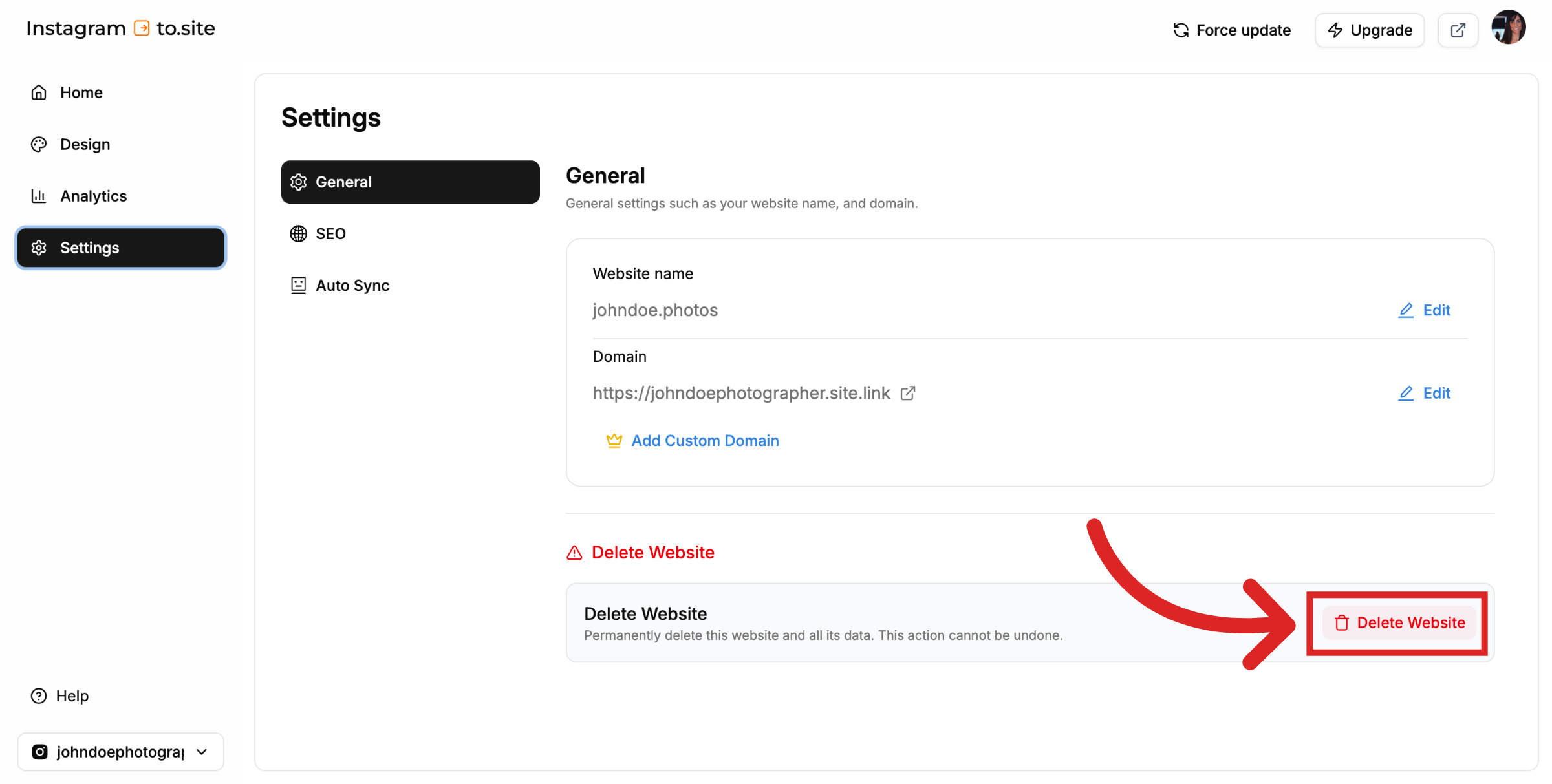
Go to the dashboard for the website you want to delete and click on the Settings tab. Under the Settings, select General. Under the Delete Website title, click the Delete Website button.
Warning
This action cannot be undone, so make sure you really want to remove the site before proceeding.
Was this article helpful ?
Still need help?
Contact us