
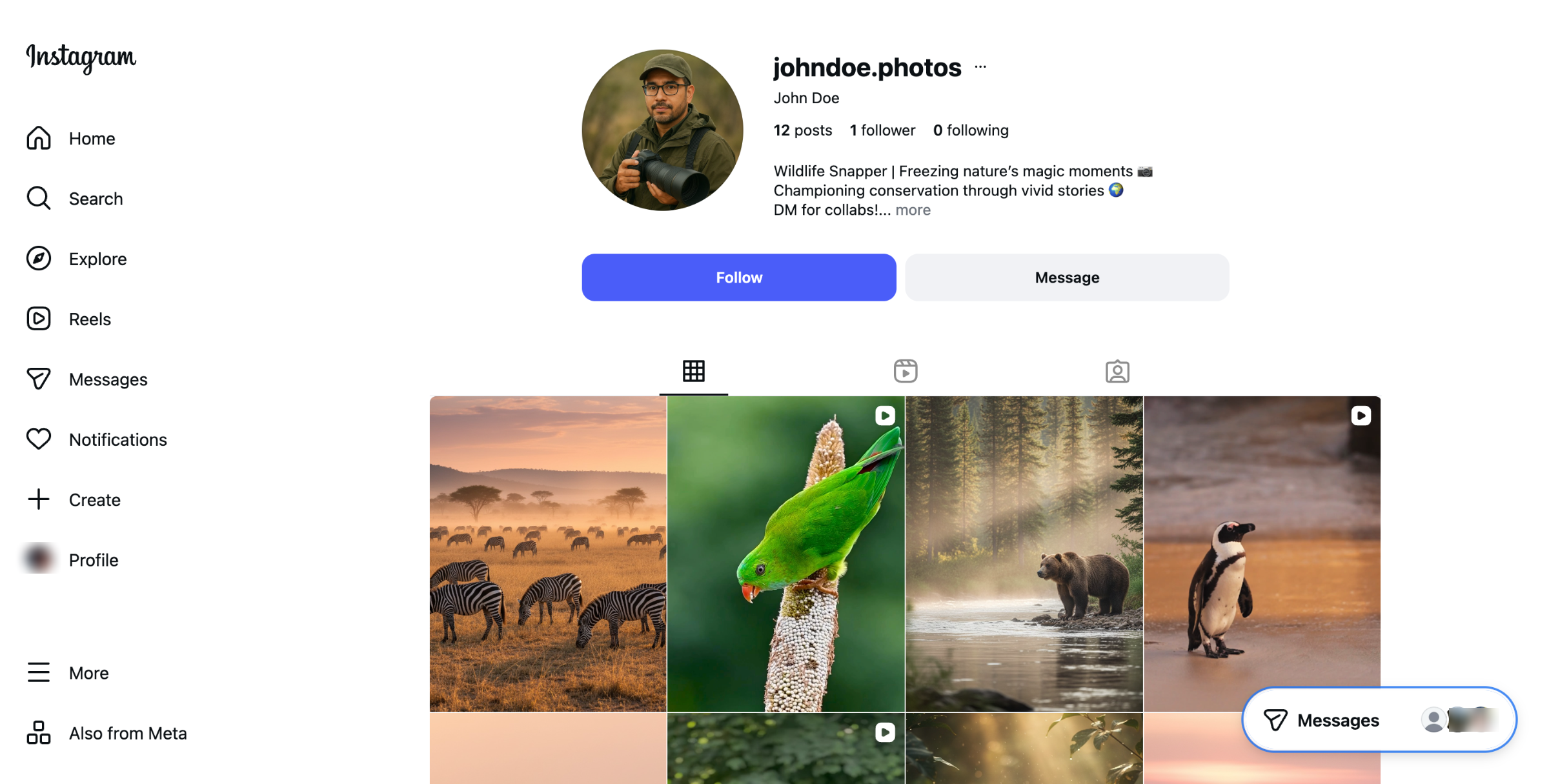
If you're an Instagram influencer or UGC creator pitching to brands, a portfolio website helps you to
Showcase your Social Media Highlights
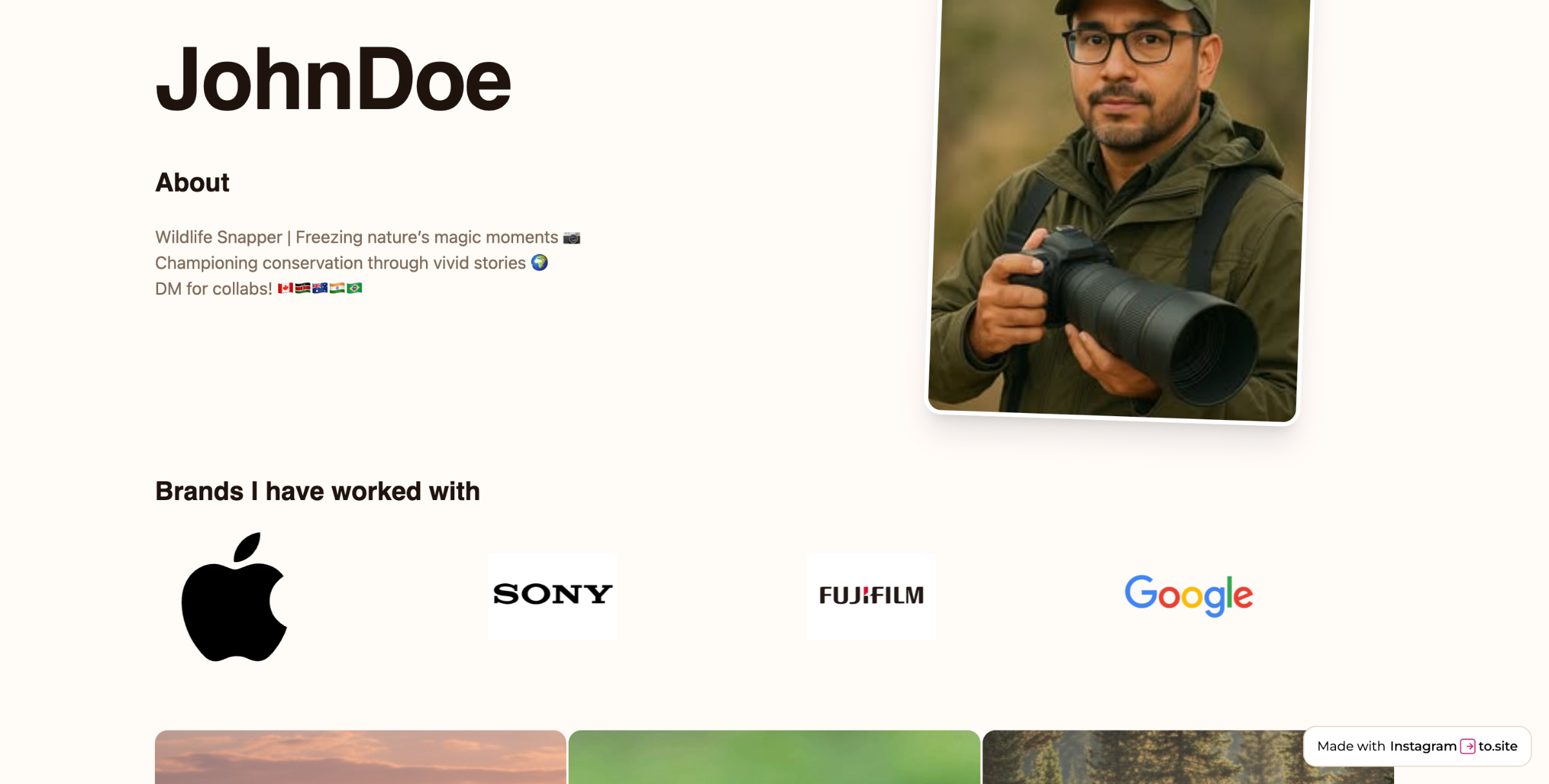
Showcase brands you’ve worked with
Drive organic traffic with SEO benefits
Paste Instagram Profile URL
Go to https://instagram.to.site/, copy your Instagram profile URL, paste it to the given field, and then click on the Create your website button.
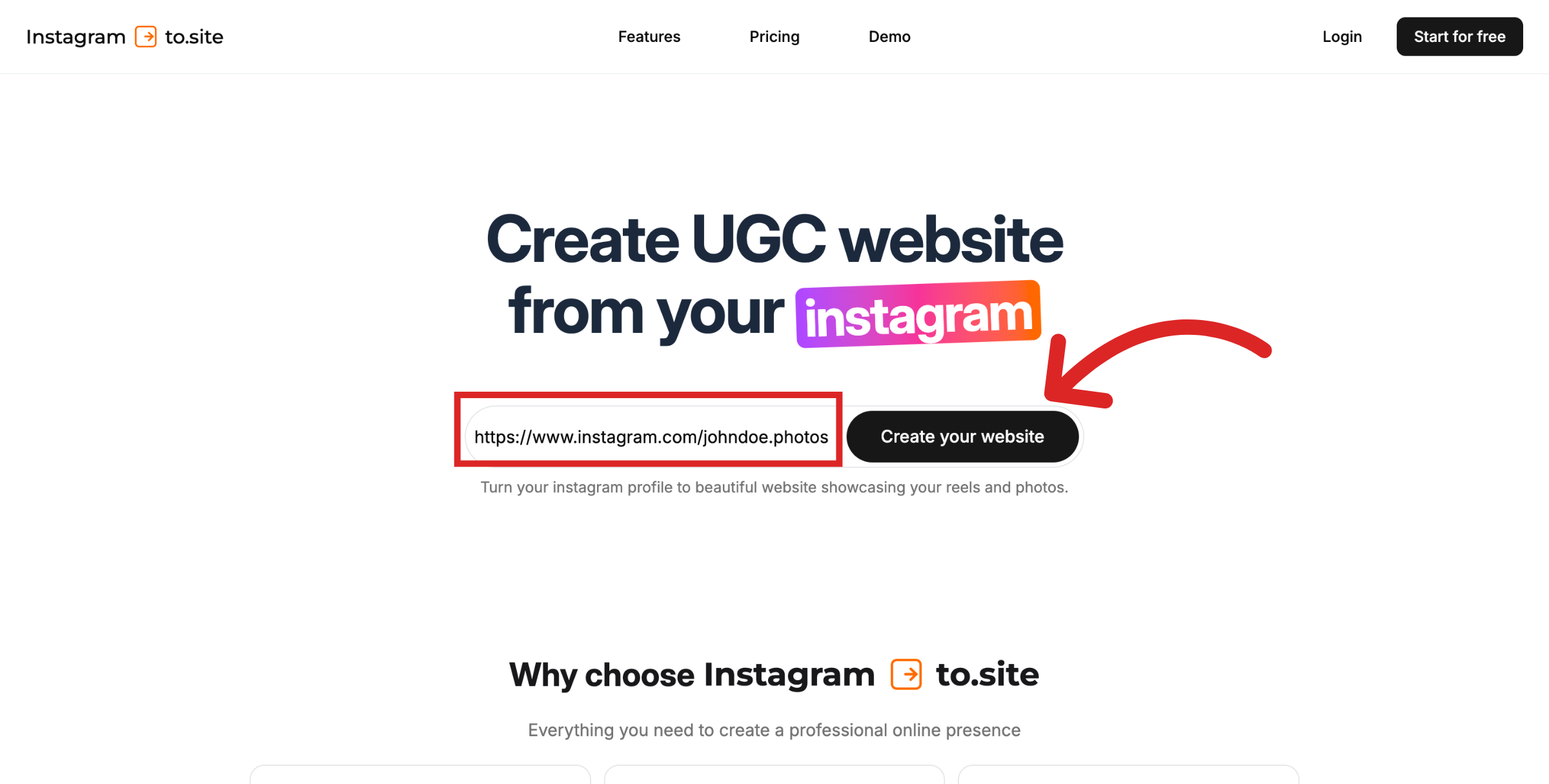
Start the conversion process
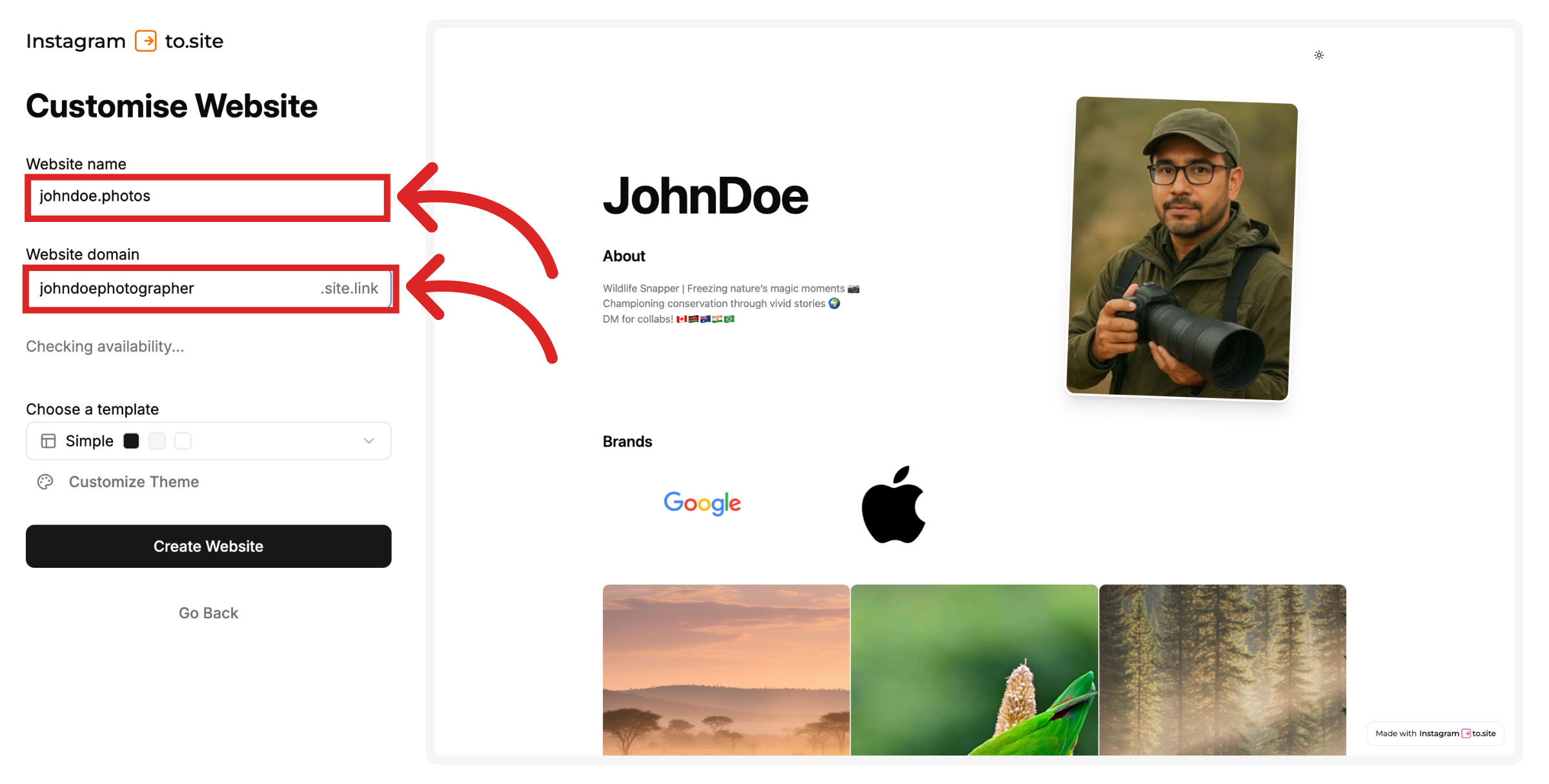
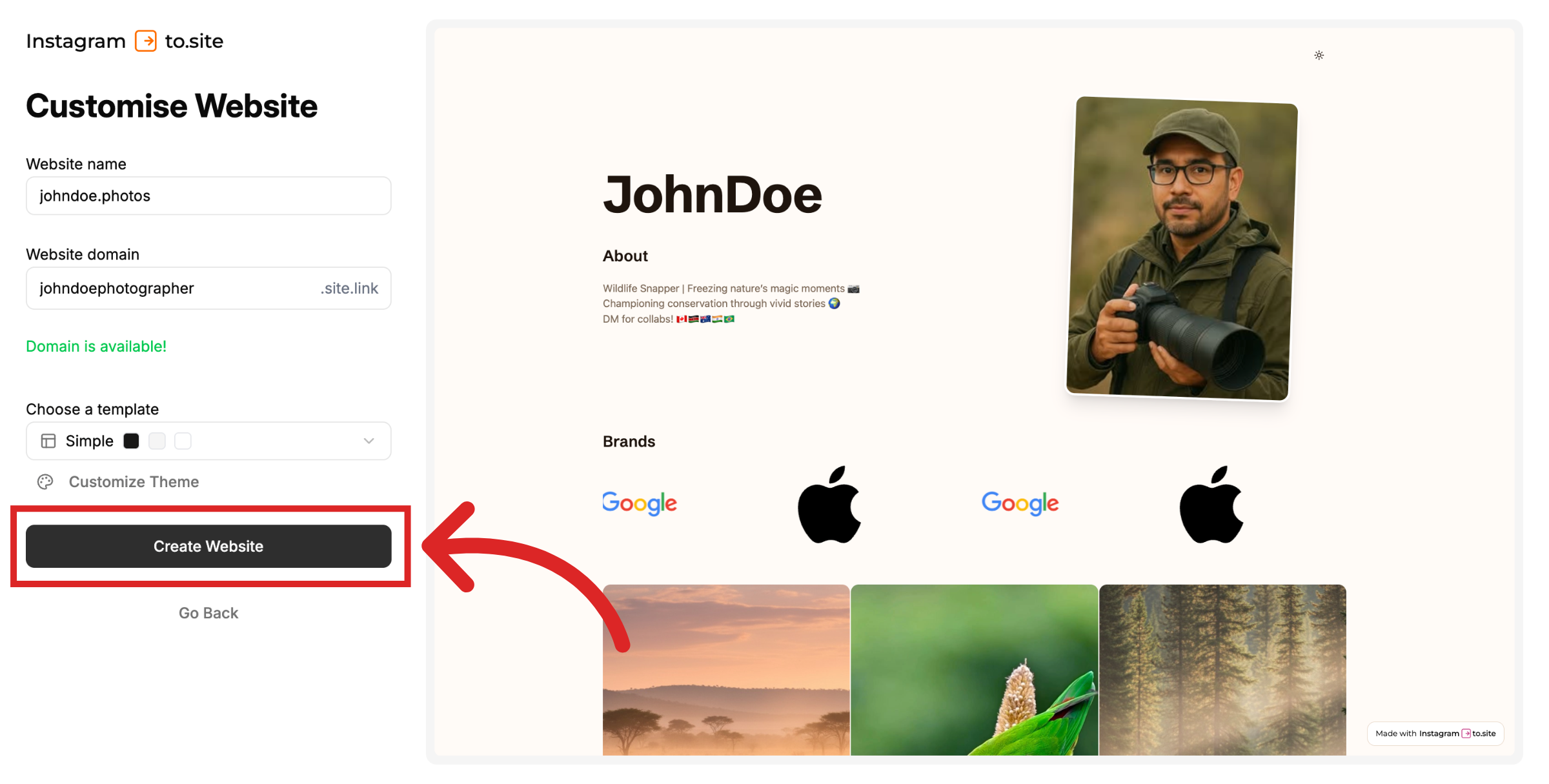
You will be asked to provide a website name and a website domain. Choose a name for your website that presents your brand identity.
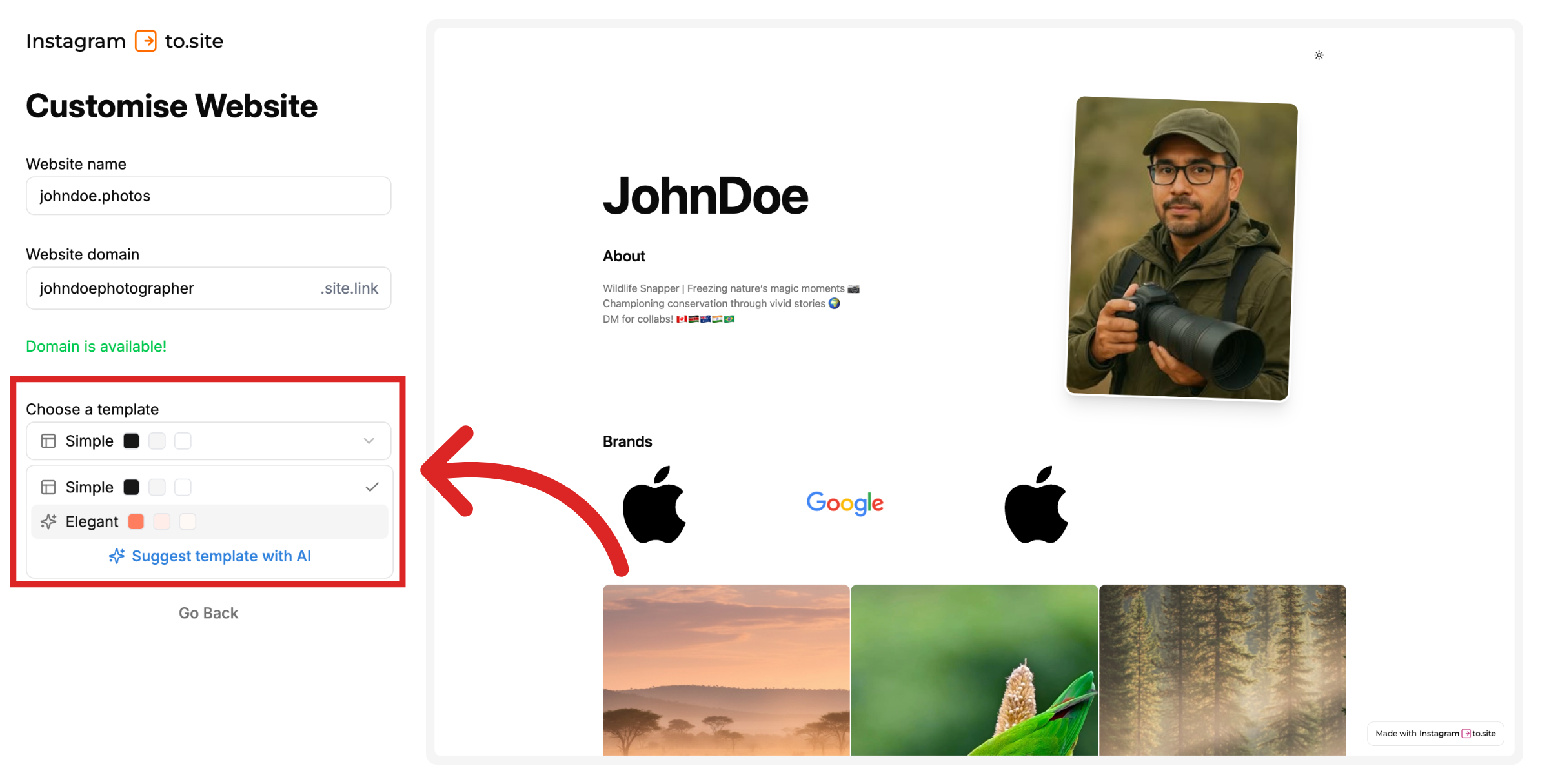
Pick a template: Simple or Elegant. You can also ask AI to suggest a template if you’re unsure.
After choosing a template, you have additional options to customize the theme.
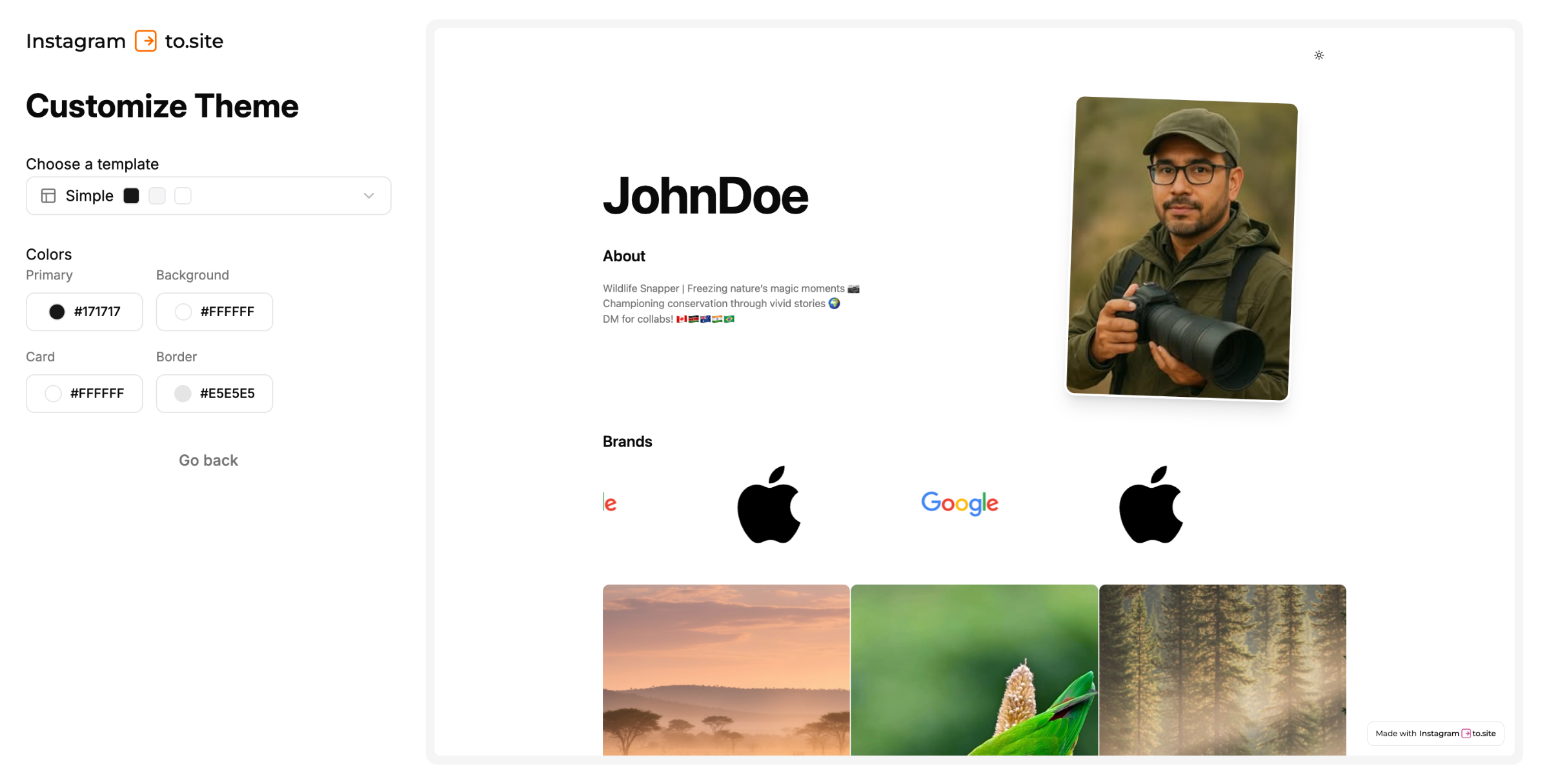
Once done, click on Create Website.
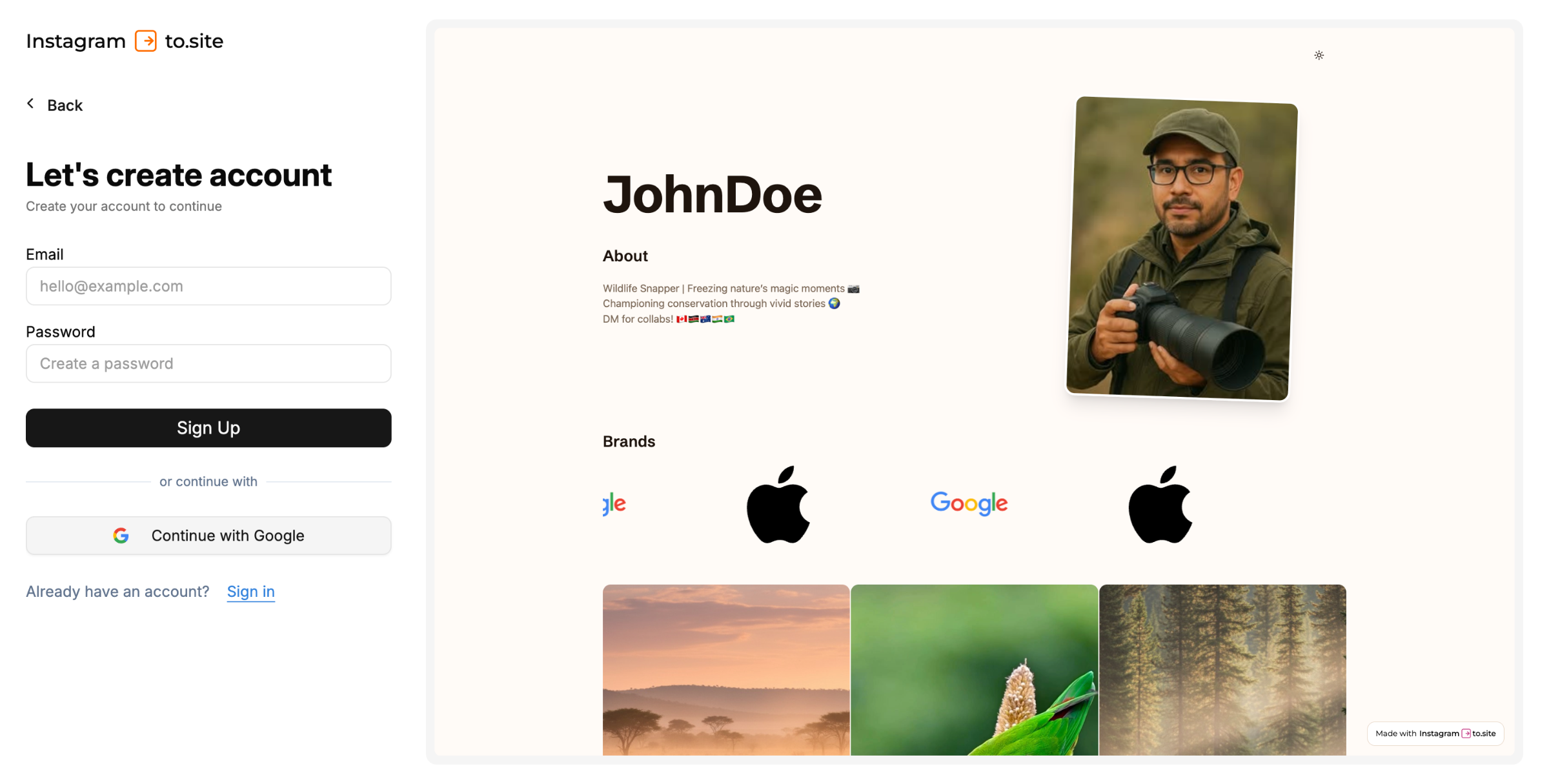
Signup on To.site
You’ll be redirected to the sign up / login page. Login to your account.
Wait a few seconds while your website is created. Once it’s ready, you’ll land on the design page, where you can add the brands you’ve worked with and further customize your site.
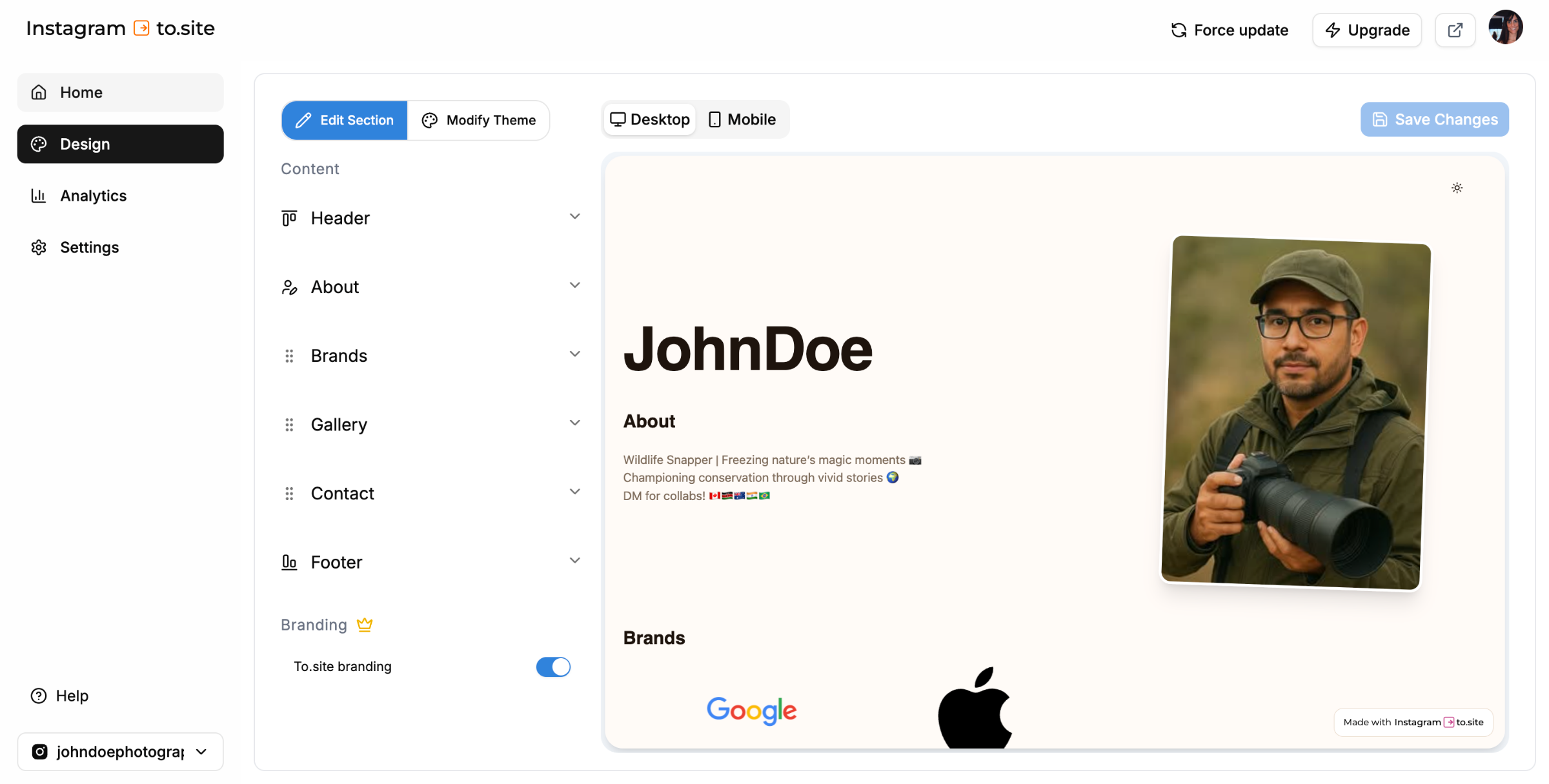
Click on Home tab to find the URL of your new website.
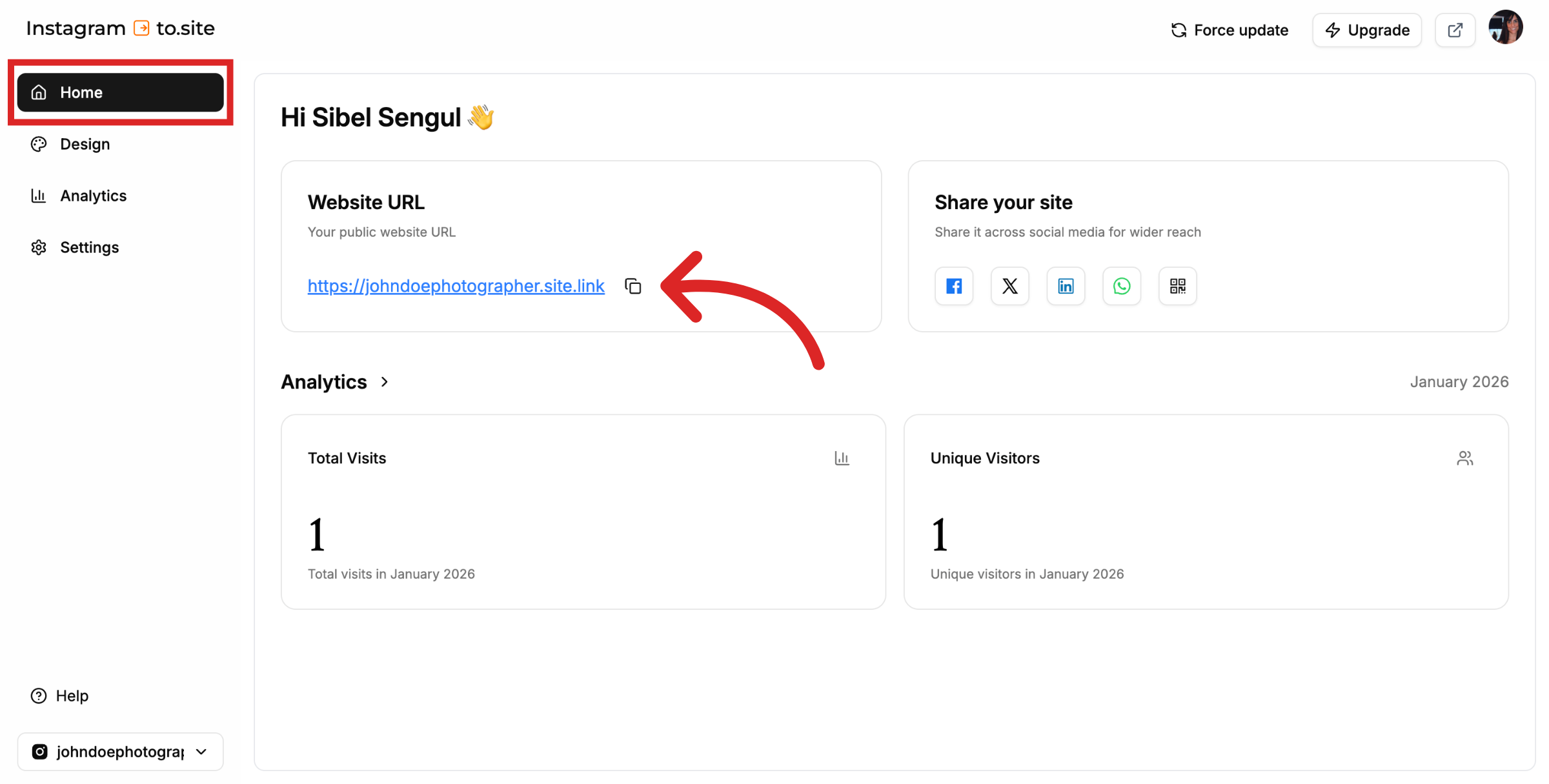
And that's it! You now have a new website showcasing your Instagram profile!
Still need help?
Contact us